Indoor Arlo cameras
Set up a nursery, entry, living room, or pet camera with a useful view and privacy in mind.
- Privacy Shield and disarm settings
- Night vision and two-way audio
- Motion and sound notification tuning
Get your Arlo indoor cameras, outdoor cameras, and video doorbells working the way you expected. We handle placement, mounting, Wi-Fi connection, app setup, alerts, and a calm handoff so you know what every setting does.
Setup visits from $99
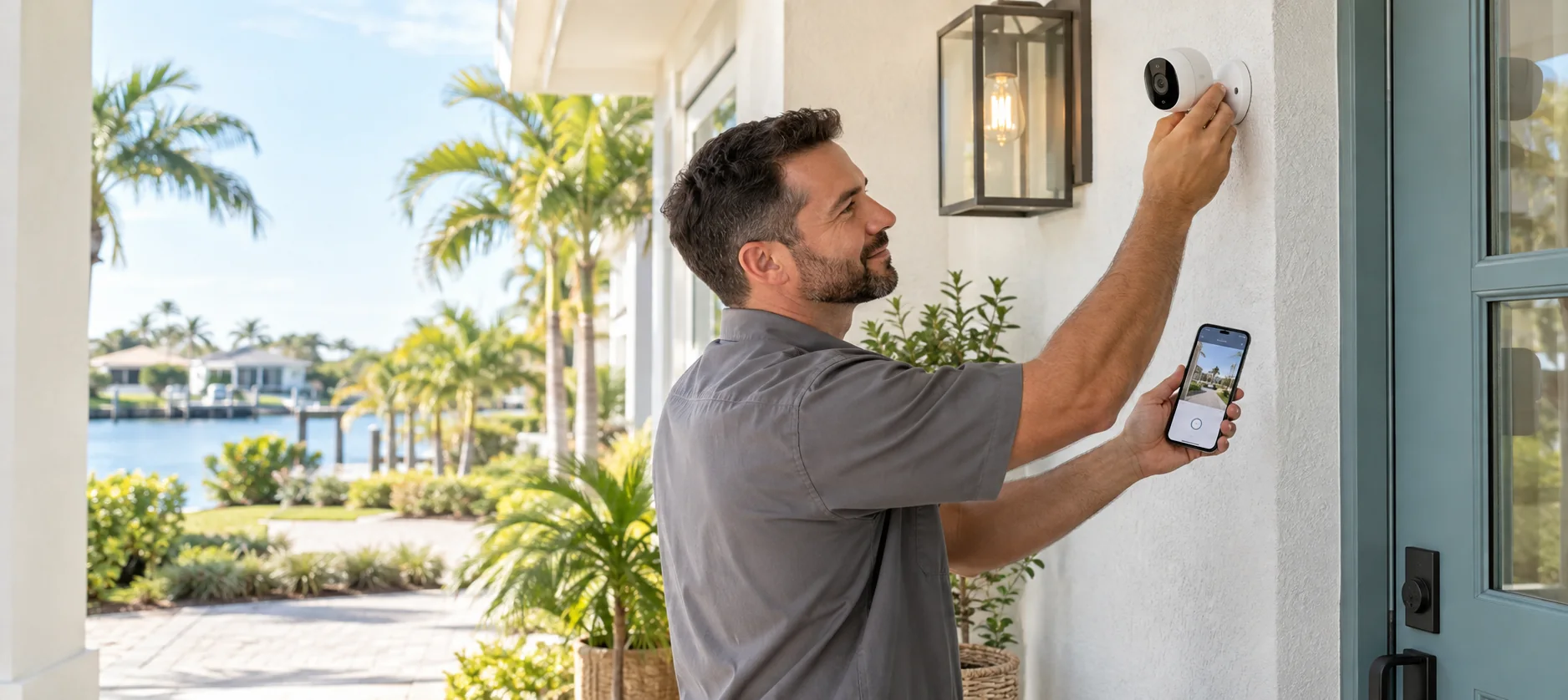
A camera can be easy to plug in and still be frustrating to live with. We help you choose useful angles, keep privacy zones in mind, connect each camera to the right network, and leave your Arlo Secure App organized.
Set up a nursery, entry, living room, or pet camera with a useful view and privacy in mind.
Cover a driveway, lanai, side gate, or pool approach with a stable mount and a view that avoids the sky and street glare.
Add cameras to an existing Arlo system or start fresh with names, rooms, modes, and alerts that make sense together.
Send us the model names or a photo of the boxes. We confirm power, mounting hardware, Wi-Fi needs, and whether a SmartHub or Base Station is part of your setup.
We walk the home with you, looking for the useful angle, a solid mounting surface, outlet or charging access, and privacy-friendly coverage.
We install the mount, adjust the camera, connect the devices in the Arlo Secure App, and check live view, night vision, audio, and motion events.
We set practical names and notifications, explain modes and privacy controls, and show you how to change the settings later.
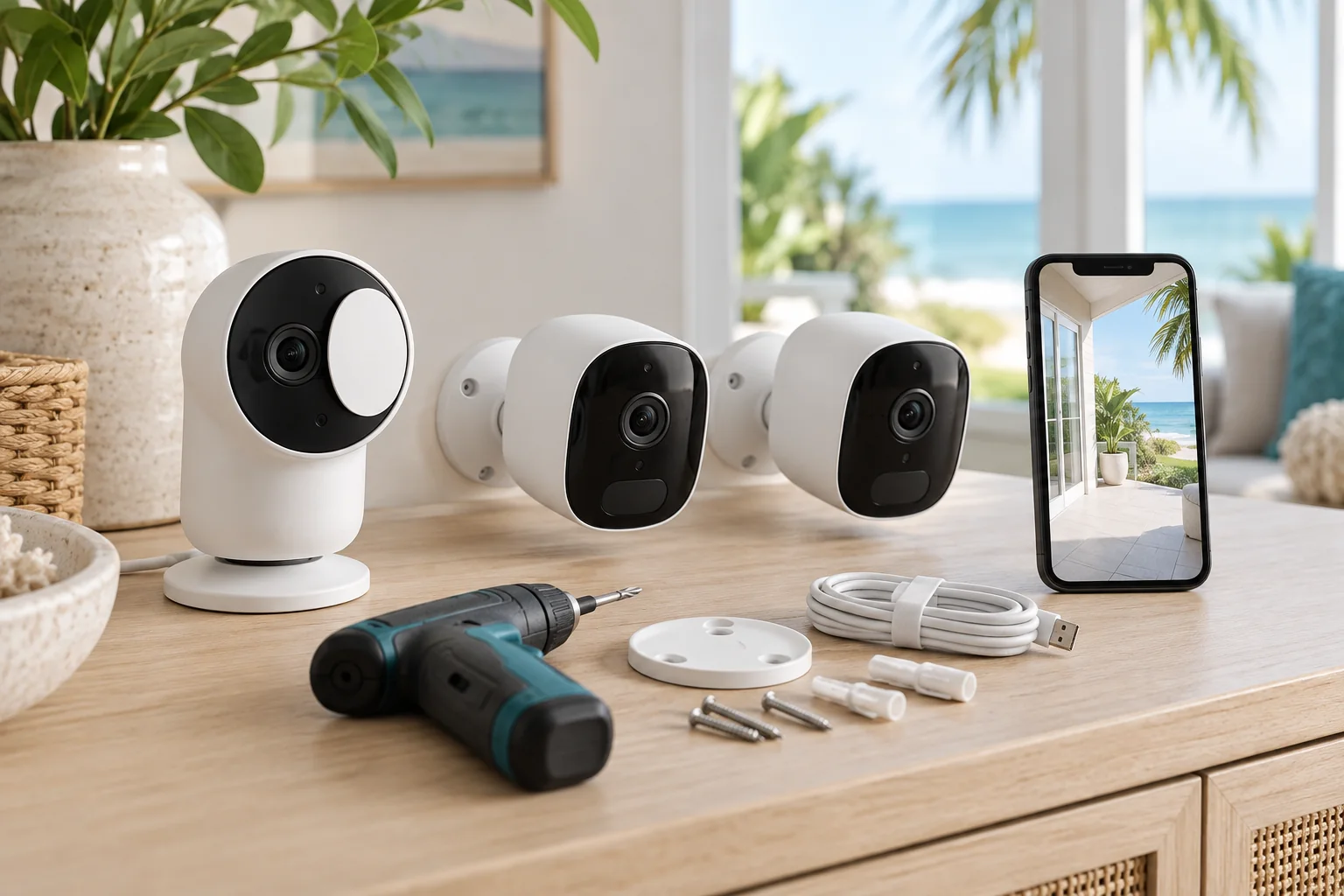
Arlo’s current Essential cameras include different combinations of video resolution, night vision, two-way audio, sirens, spotlights, and indoor privacy controls. We configure the equipment you own and call out any feature that depends on an Arlo Secure plan or compatible hub.
Unboxing is simple. Getting a clean view, reliable connection, useful notifications, and a family-friendly handoff takes more care. We do the fiddly parts in the same visit as other home-help projects, and we leave the packaging and old hardware out of your way.
Arlo setup visits start at $99 for a straightforward device setup. The final quote depends on the number of cameras, mounting surfaces, wiring or charging access, and whether the network needs work. We confirm the price before starting.
Yes. Send the model numbers or a photo of the boxes and we’ll plan around the equipment you have. We can also help you understand which features require an Arlo Secure subscription or a compatible SmartHub/Base Station.
Yes. We install supported outdoor cameras on suitable surfaces, set the angle, check charging or battery access, and test the live view and motion alerts. We do not promise a single camera will cover every driveway or property line.
Yes. We connect supported cameras to your 2.4 GHz or dual-band network as the model requires, check the signal at the camera location, and recommend mesh placement when the camera is too far from the router.
Yes. We show you live view, recordings, modes, notifications, privacy controls, camera sharing, and the settings that matter for your household. We leave the system organized so another family member can use it too.
It depends on the model, settings, power, storage, and plan. Many setups use motion events rather than continuous recording. We explain what your equipment supports and help you choose a mode that fits your privacy and coverage needs.
Fix. Move. Haul. is an independent local setup service and is not affiliated with Arlo. Arlo is a trademark of Arlo Technologies, Inc. Product capabilities and subscription terms can change; confirm current details on Arlo’s site.
Send a photo of your cameras or boxes and we’ll tell you what the visit should include.