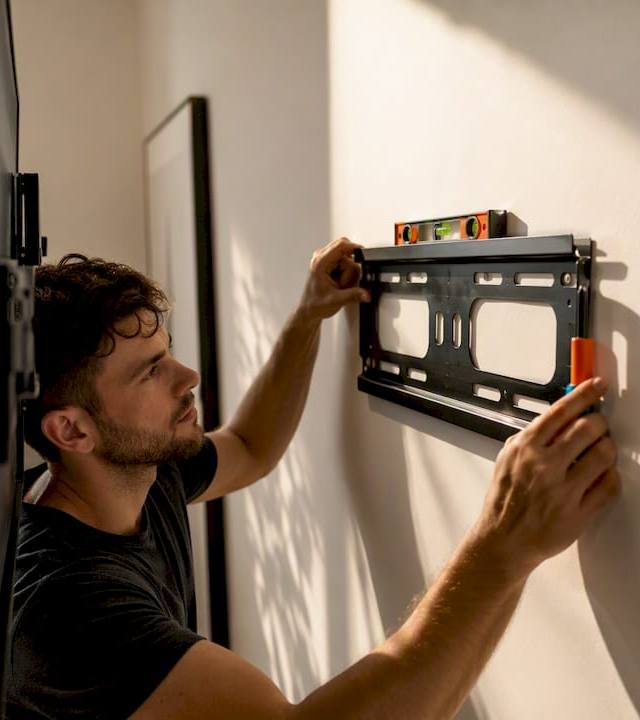
How to Mount a TV on Brick: A Safe, Step-by-Step Guide
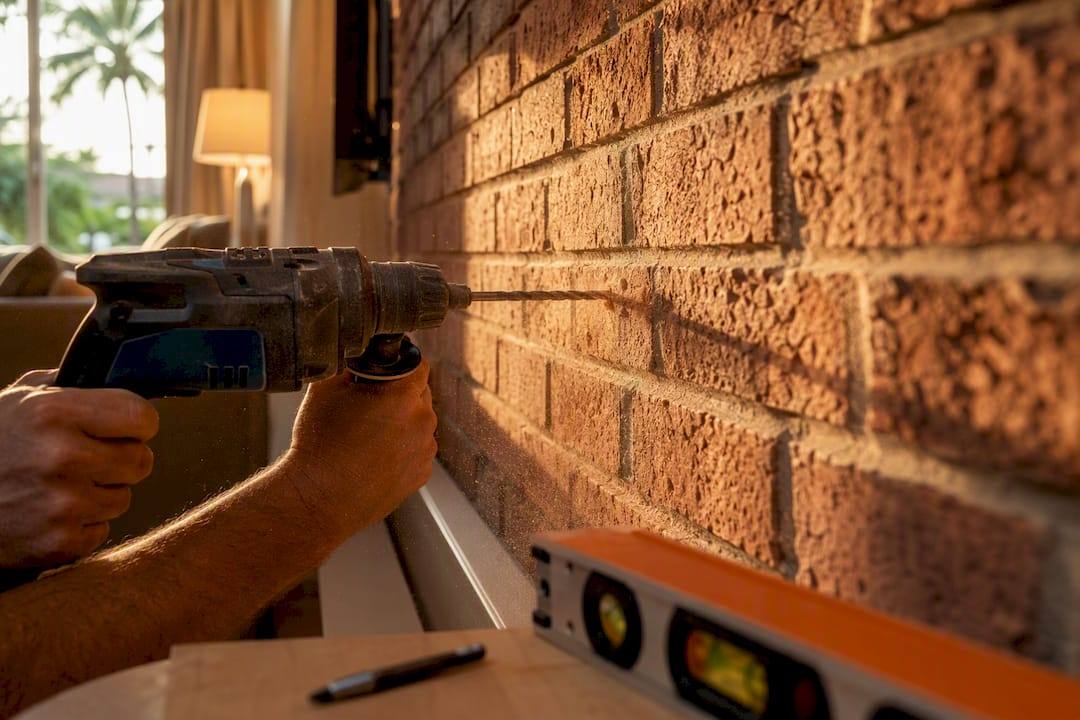
How to Mount a TV on Brick: A Safe, Step-by-Step Guide
You can safely mount a TV on brick if you drill into the brick face, never the mortar, and use masonry-rated anchors sized and embedded correctly for your TV’s weight. That’s the whole rule. Get that right and brick is actually one of the sturdiest surfaces you’ll ever mount into, far tougher than drywall.
Here’s what the job requires in one glance:
- A hammer drill and masonry bits matched to your anchors
- Masonry screws (Tapcon is the standard brand-name choice) or sleeve anchors for heavier setups
- Correct embedment depth, roughly the anchor’s length plus a quarter inch of clearance
- A level, a mount template, and a helper for anything 55 inches or larger
A 5/16 inch by 3 inch Tapcon screw driven into a hole roughly 2¾ inches deep will seat about 2½ inches into solid brick, which is plenty for most flat-panel TVs.
Key Takeaways
Mounting a TV on brick is safe and durable when you drill into the brick face with correctly sized, properly embedded masonry anchors rather than the mortar joints.
| Point | Details |
|---|---|
| Drill brick, not mortar | Mortar is soft and crumbles under load; brick units hold anchors reliably. |
| Match anchor to TV weight | Tapcon screws suit most flat panels; sleeve anchors suit full-motion mounts and heavier TVs. |
| Set embedment depth first | Mark drill bits with tape at anchor length plus a quarter inch for consistent, safe holes. |
| Inspect before you drill | Check for cracks, hollow veneer sounds, and heat damage near fireplaces before starting. |
| Call a pro for uncertainty | Fixmovehaul offers same-day TV mounting across Southwest Florida when the wall makeup or TV size is a question mark. |
Table of Contents
- Tools and Materials You Need for a Brick TV Mount
- How Do You Install a TV on a Brick Wall Step by Step?
- Which Anchors Work Best for Brick and When
- How Much Weight Can a Brick Wall Actually Hold?
- When Should You Hire a Professional Installer?
- A Quick Take on DIY vs. Hiring Out
- Book a Professional TV Mount Instead of Renting Tools
- Frequently Asked Questions
- Sources
Tools and Materials You Need for a Brick TV Mount
You need fewer tools than you’d think, but the ones you skip will bite you. A regular drill will not cut it here.
Required tools: a hammer drill (or an SDS rotary hammer if you’re dealing with old, dense brick), masonry bits sized to your anchors, a tape measure, a level, a marker, and something to clear dust, a vacuum or stiff brush works fine. Add eye protection and a dust mask before you drill a single hole.
Fasteners and fittings: masonry screws like Tapcon, or sleeve and wedge anchors for bigger loads, plus washers and bolts sized to match your mount’s hardware. Double check that the mount’s VESA pattern matches the holes on the back of your TV before you buy anything.
Nice to have: a torque-control driver, a shop vac for dust, and surface raceway channel if you want to hide the cables running down the wall.
Pro Tip: Renting a hammer drill for a weekend costs less than buying one you’ll use twice, but knock on the wall first. A hollow sound usually means you’re dealing with a thin brick veneer over framing, not solid masonry, and that changes your entire anchor strategy.
How Do You Install a TV on a Brick Wall Step by Step?
The short version: drill into the brick face, not the mortar joints, and use anchors rated for the wall and the TV’s weight. Here’s the long version, in the order a pro would actually do it.
1. Inspect the wall first. Look for cracks, crumbling mortar, or spots that sound hollow when tapped. Check for nearby electrical outlets, gas lines for a fireplace insert, or anything that suggests wiring runs behind that section of wall.
2. Pick your height and mounting zone. Standard eye-level guidance puts the TV center around 42 inches from the floor for typical seating, though above a fireplace you’ll often go higher and rely on tilt to compensate. Either way, stay away from brick edges and avoid cut or half bricks near corners, they’re structurally weaker.
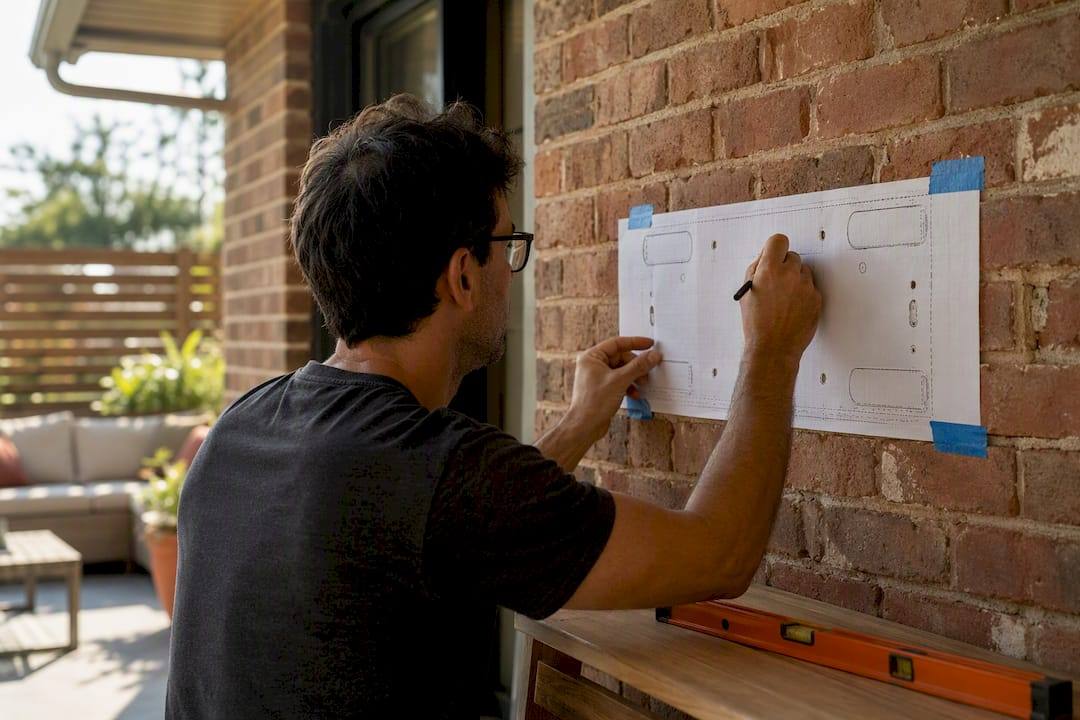
3. Mark and level your holes. Hold the mount’s template against the wall and adjust it left or right until every marked hole lands on a full brick, not a mortar joint. If a hole falls within half an inch of a brick’s edge, shift the whole template rather than force it.
4. Set your drill depth. Wrap a piece of tape around the masonry bit at the depth you need, typically the anchor’s length plus about a quarter inch of clearance for dust. This one habit prevents more failed installs than any other single step.
5. Drill. Set the hammer drill to hammer mode for standard brick (switch to rotary-only if you’re working on soft, historic brick that can shatter under impact). Drill straight in, and pull the bit out every few seconds to clear dust, a clogged hole won’t seat your anchor properly.
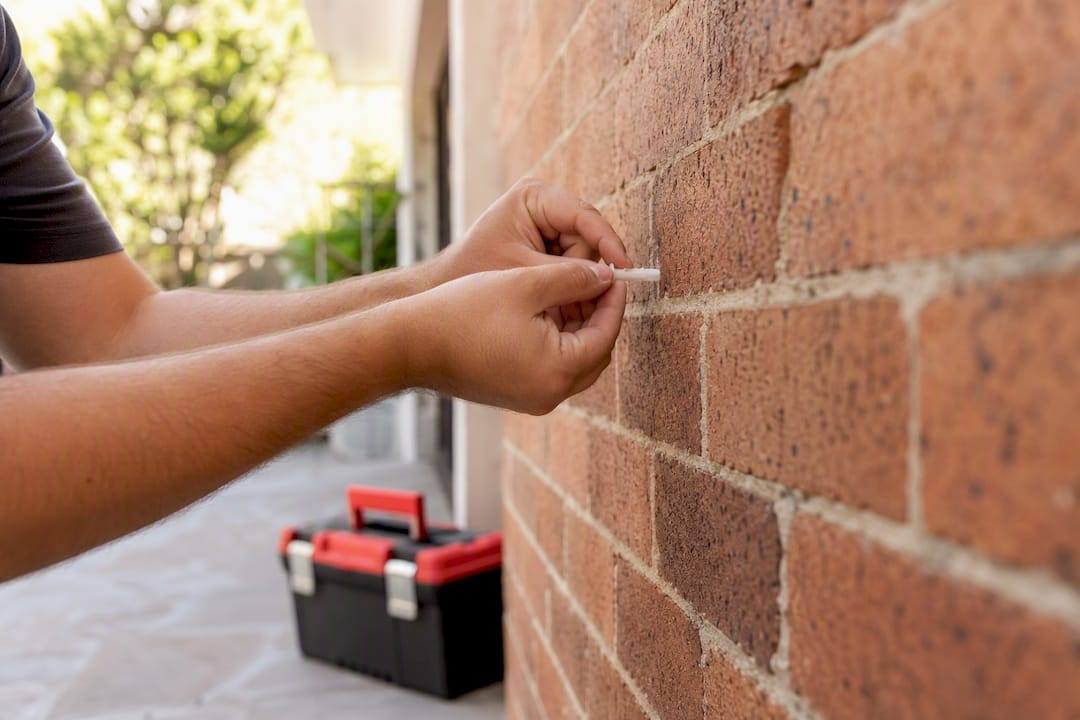
6. Set the anchors. If you’re using plastic expansion plugs, tap them in flush with a hammer. For masonry screws like Tapcon, drive them in with a driver until they seat snugly, don’t force the last quarter turn. Sleeve or wedge anchors need to be torqued to the manufacturer’s spec, and over-torquing is a real risk, it can crack the brick around the hole.
7. Attach the bracket and check level. Tighten across all mounting points gradually and evenly rather than cranking one bolt down all the way first. An uneven bracket puts more stress on fewer anchors, which is exactly what you’re trying to avoid.
8. Hang the TV. Grab a second person for anything 55 inches or up. Once it’s on, push down and pull outward on the bracket by hand to confirm nothing shifts.
A few things can go sideways during this process:
- If the brick cracks while drilling, stop immediately, shift the hole location, and patch the crack before proceeding
- If a plastic anchor spins freely or strips out, size up to the next diameter or switch to a screw-style anchor
- If you hit something unexpectedly solid or hollow behind the surface, stop and reassess before drilling further, you may have found a lintel, a flue, or hidden wiring
Which Anchors Work Best for Brick and When
Not every anchor belongs on every wall. Here’s how the common options actually stack up.
Plastic expansion anchors are fine for light loads and smaller TVs, but they’re the weakest option on this list and a poor choice for anything full-motion. Masonry screws such as Tapcon are the workhorse for most residential installs; common diameters run 1/4 inch and 5/16 inch, with roughly 2.5 inches of embedment doing the job for the vast majority of flat-panel TVs. Sleeve and wedge anchors, often in M6 or M8 sizes, step in for heavier TVs and full-motion brackets, where the extra pull-out and shear resistance actually matters. Chemical or adhesive anchors are the specialist option, worth it when you’re dealing with older, softer brick or a wall with hidden hollow zones where mechanical anchors won’t grip reliably.
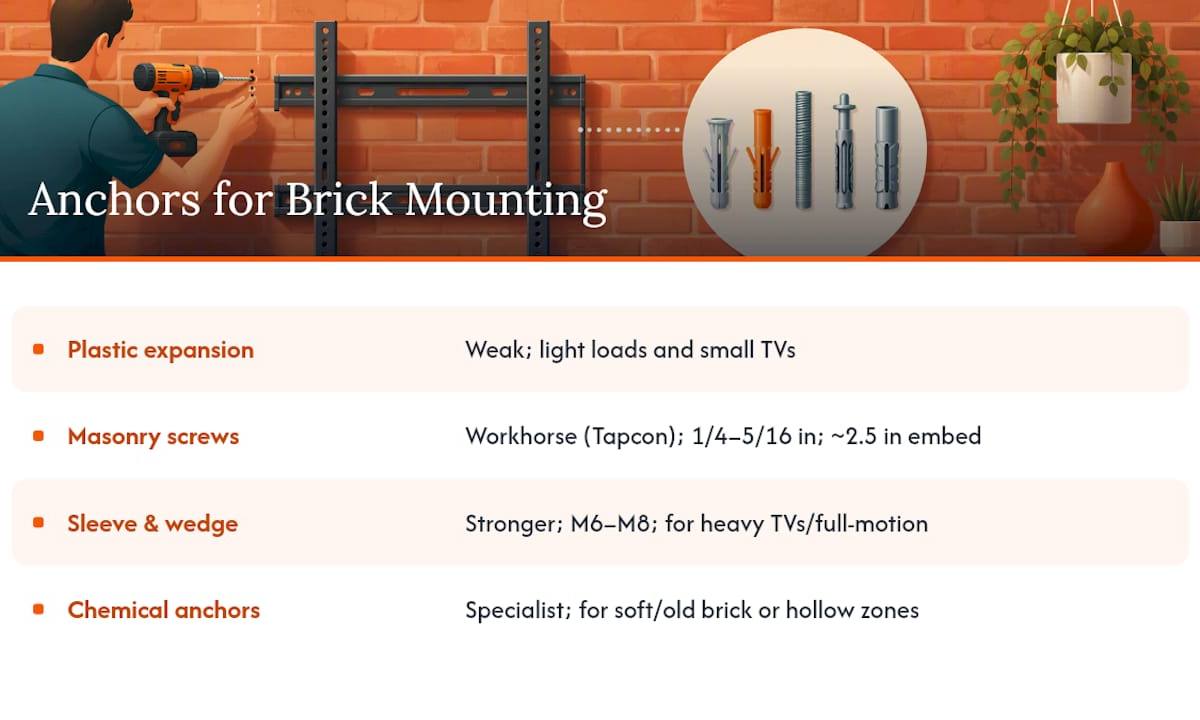
Three rules apply no matter which anchor you pick: drill into the brick face, never the mortar, keep every anchor at least half an inch from a brick’s edge, and match your drill depth to the anchor’s length plus a quarter inch of dust clearance.
How Much Weight Can a Brick Wall Actually Hold?
More than most consumer TVs will ever demand, when the anchors are seated correctly. One real-world install documented a 60-pound TV and 38-pound mount held securely by multiple 5/16-inch Tapcon screws seated into solid brick, well within the combined safety margin those anchors provide. Spreading the load across every fixing point the mount offers reduces stress on any single anchor, which is why manufacturers design brackets with four, six, or even eight mounting holes instead of two.
Before you drill, walk the wall and check for cracks, hollow-sounding patches (a sign of veneer or thin facing over framing), tile overlays, and any heat discoloration if you’re working above a fireplace. After installation, tighten to spec, then pull-test the bracket by hand before hanging the TV. Once it’s up, check for drift on tilt or full-motion mounts, and give it another look after 24 to 48 hours.
Call a pro if you notice any of these red flags: anchors that feel loose after tightening, mortar or brick crumbling as you drive a screw, cracking that appears under normal torque, or a hollow sound behind the surface you didn’t catch during inspection.
When Should You Hire a Professional Installer?
Some jobs are worth handing off. Bring in a pro if you’re not sure whether the wall is solid brick or a thin veneer, if you’re working with historic or unusually soft brick, if you’re installing a full-motion mount, if the TV is 65 inches or heavier, or if you’re mounting directly over a working flue. Visible cracking in the wall or simply not owning a hammer drill are both good enough reasons on their own.
A professional installer typically tests the wall material, scans for hidden utilities or lintels before drilling, selects the right anchor system for your specific wall and TV combination, and sets torque to spec rather than guessing. Many also handle cable concealment with surface-mounted raceways that get painted to blend with the brick.
If you’re vetting a service, ask about proof of insurance, examples of similar brick or fireplace installs, which anchor system they plan to use, and whether they perform a post-install load check. A local hiring guide can help you know what questions actually matter before you book.
A Quick Take on DIY vs. Hiring Out
If your brick is solid, your tools are right, and you’re comfortable with a hammer drill, doing this yourself is completely reasonable. Where I’d draw the line is full-motion mounts, TVs over 65 inches, or any wall you can’t confidently identify as solid masonry. That uncertainty is exactly what a same-day service like Fixmovehaul exists to remove, especially if you’d rather not rent a hammer drill for a one-time job.
Book a Professional TV Mount Instead of Renting Tools
If you’d rather skip the tool rental counter and the guesswork about whether your wall is solid brick or hollow veneer, Fixmovehaul handles the whole job in one visit across Naples, Bonita Springs, Estero, and the rest of Southwest Florida. You get a technician who already owns the hammer drill, already knows which anchor fits your wall, and leaves your cables tucked into a clean raceway instead of dangling down the fireplace.

Before you book, have a few details ready: your TV’s size and weight, the mount type you want (fixed, tilt, or full-motion), a photo of the wall you’re mounting to, whether the fireplace below is still active, and your preferred appointment window. If you’re also picking up a mount or hardware, Fixmovehaul can handle the Home Depot or Lowe’s pickup too, so the whole project gets done in one trip. Head to the TV mounting service page to check availability and get a quote for your address.
Frequently Asked Questions
Can you mount a TV on plaster walls the same way as brick? No. Plaster walls usually sit over wood or metal lath rather than solid masonry, so you’re better off locating studs and using stud-rated hardware, or installing shelves without studs using toggle-style anchors rated for plaster’s lower density.
Is it safe to mount a TV on tile over brick? Tile itself won’t hold a TV mount securely. You need to drill through the tile into the brick or substrate beneath it, using a tile-rated bit first to prevent cracking, then switching to a masonry bit once you hit the brick.
Do I need special screws, or will regular screws work in brick? Regular wood or drywall screws won’t hold in brick. You need masonry-specific fasteners like Tapcon concrete screws, or sleeve anchors for heavier TVs, driven into pre-drilled holes matched to the correct bit size.
How do I know if my brick wall is solid or just a veneer? Knock on the wall in several spots. A solid, dense sound usually means solid masonry; a hollow, drum-like sound suggests a thin veneer over framing, which changes your anchor choice entirely and may call for a professional assessment first.
Can I mount a TV above a working fireplace? Yes, but plan for both heat and viewing angle. Keep anchors well clear of the firebox opening, and consider a mount with tilt or height adjustment so you’re not straining your neck looking up at a screen mounted too high just to escape the heat zone.
Sources
- When mounting a TV on interior brick, drill into the brick - Pine Hall Brick
- Best TV Mounts for Brick & Concrete Walls | NYC TV Guy
- TV Mounting on a Brick Wall — Mount TV (UK guide)
- TV Mounting on Brick, Stone, or Tile in Houston, TX | Hargrett Electronics L.L.C.